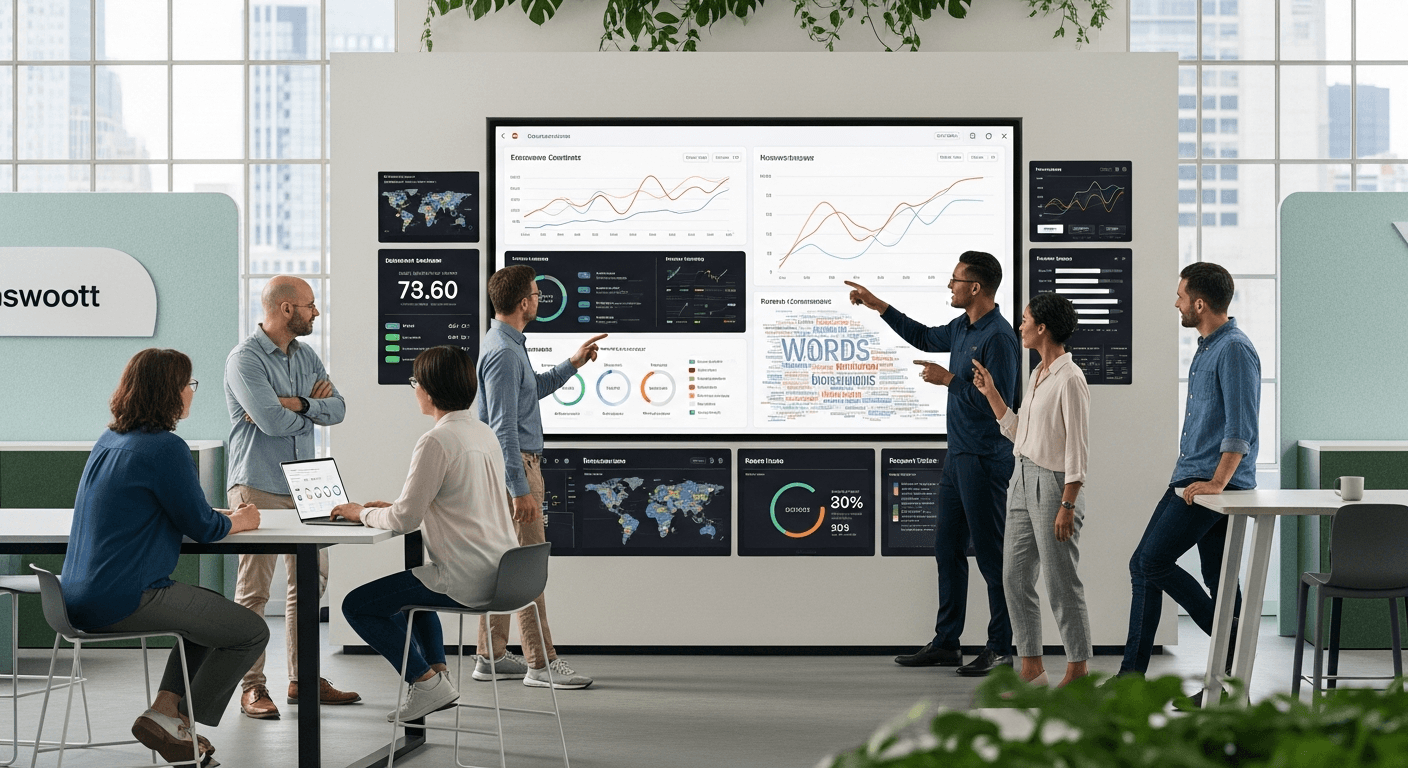


Asynchronous video support transforms customer tech support by offering flexibility and convenience. In the digital era, customer tech support plays a crucial role in maintaining satisfaction and loyalty. Asynchronous video support allows customers to access help on their terms, enhancing the overall experience. 48% of professionals believe asynchronous video updates should replace traditional meetings. Interactive Video Support provides clear, personalized assistance, reducing misunderstandings. A Video Survey shows that 32% of professionals prefer asynchronous video for IT issues. Embrace this innovative approach to revolutionize tech support and improve customer satisfaction.
Understanding Asynchronous Video Support
Definition and Explanation
What is asynchronous video?
Asynchronous video allows communication without the need for all parties to be present at the same time. This method provides flexibility in customer tech support. Customers can send video messages detailing their issues. Support teams can respond with tailored solutions. Tools like Loom and Vidyard facilitate this process by enabling users to record and share videos easily. These platforms offer screen sharing and video annotations, enhancing the clarity of communication.
Differences from synchronous communication
Synchronous communication requires real-time interaction. Platforms like Zoom and Microsoft Teams exemplify this. Participants must be available simultaneously. Asynchronous video, however, eliminates this constraint. Users can communicate across different time zones. Zoom Clips enhances collaboration by allowing short-form video sharing. This feature supports international teams working asynchronously. The flexibility of asynchronous video reduces scheduling conflicts and improves response times.
Key Features
Flexibility and convenience
Asynchronous video offers unmatched flexibility. Users can record and view videos at their convenience. This feature benefits both customers and support agents. Dropbox Capture creates a record system for future reference. Employees can access training videos and seminars as needed. This approach streamlines onboarding processes and ensures consistent information dissemination.
Accessibility and ease of use
Asynchronous video tools prioritize user accessibility. Platforms like StoryPrompt provide a user-friendly interface. This design simplifies remote work and communication. Interactive Video Support becomes more effective with intuitive tools. Customers can easily navigate these platforms to receive personalized assistance. A recent Video Survey revealed that 32% of professionals prefer asynchronous video for resolving IT issues. This preference highlights the growing demand for accessible tech support solutions.
Benefits of Asynchronous Video Support in Tech Support

Improved Communication
Clearer explanations
Asynchronous video support provides a platform for delivering clear and concise explanations. Support agents can create detailed video responses that visually demonstrate solutions. This method eliminates ambiguity and enhances understanding. Customers benefit from visual aids that clarify complex instructions. The use of screen recordings and annotations further enriches the explanation process.
Reduced misunderstandings
Misunderstandings often arise from miscommunication. Asynchronous video support reduces these instances significantly. Customers can replay videos to ensure comprehension. This feature minimizes the need for repeated inquiries. Support teams experience fewer follow-up questions, leading to more efficient interactions. The clarity provided by video communication fosters a smoother customer support experience.
Increased Efficiency
Faster response times
Asynchronous video support accelerates response times. Support agents can address multiple queries without waiting for real-time interaction. This approach allows for quick resolution of customer issues. Customers receive timely assistance, enhancing satisfaction. The ability to record responses at any time streamlines the support process.
Handling multiple queries simultaneously
Support teams can manage several inquiries concurrently with asynchronous video. Agents can record responses for different customers simultaneously. This capability increases productivity and reduces backlog. Customers benefit from prompt attention to their concerns. The efficiency gained through this method improves overall service delivery.
Enhanced Customer Experience
Personalized support
Asynchronous video support enables personalized customer interactions. Support agents tailor video responses to individual needs. Customers appreciate the customized attention to their specific issues. This personalized approach builds trust and rapport between customers and support teams. The unique nature of each video response adds value to the customer experience.
Customer satisfaction and loyalty
Customer satisfaction rises with effective asynchronous video support. The convenience and clarity of video communication enhance the overall experience. Satisfied customers are more likely to remain loyal to a brand. The positive impact on customer relations strengthens long-term business success. Asynchronous video support proves to be a valuable tool in fostering customer loyalty.
Practical Applications in Customer Tech Support

Use Cases
Troubleshooting and problem-solving
Asynchronous video support revolutionizes troubleshooting by offering a flexible platform for addressing issues. Customers record videos detailing their problems, allowing support teams to analyze and respond with precise solutions. This method eliminates the need for scheduling live sessions, providing 24/7 availability. Customers benefit from detailed visual explanations that enhance understanding and reduce follow-up inquiries. Asynchronous video empowers support teams to deliver efficient and effective problem-solving services.
Product demonstrations and tutorials
Product demonstrations and tutorials become more engaging with asynchronous video support. Companies create comprehensive video guides that customers can access at their convenience. This approach caters to diverse learning styles, as users can pause, rewind, and replay content. Asynchronous video ensures consistent delivery of information, enhancing customer education and satisfaction. Customers gain confidence in using products, leading to increased loyalty and positive word-of-mouth recommendations.
Integration with Existing Systems
Compatibility with CRM and support platforms
Asynchronous video seamlessly integrates with existing CRM and support platforms. Companies incorporate video communication into their workflows without disrupting operations. This compatibility enhances data management and customer interaction tracking. Support teams access video records within CRM systems, ensuring a holistic view of customer interactions. The integration streamlines processes, improving service delivery and customer satisfaction.
Streamlining support processes
Support processes become more efficient with asynchronous video. Teams handle multiple inquiries simultaneously, increasing productivity and reducing response times. Video responses provide clear and concise information, minimizing the need for repetitive explanations. Asynchronous video fosters a culture of continuous improvement, as support agents learn from recorded interactions. Companies achieve higher first contact resolution rates, boosting customer satisfaction and retention.
Best Practices for Implementing Asynchronous Video Support
Training and Development
Educating support staff on video communication
Support staff must master video communication to deliver effective asynchronous video support. Training programs should focus on enhancing communication skills. Staff members need to learn how to convey messages clearly through video. Interactive Video Support tools can help in this training process. These tools allow staff to practice recording and sharing videos. A Video Survey indicates that 48% of professionals prefer video updates over traditional methods. This preference highlights the importance of video communication skills.
Developing effective video scripts
Effective video scripts form the backbone of successful asynchronous video support. Scripts should be concise and focused on customer needs. Support teams must create scripts that address common issues and questions. A well-structured script ensures consistency in communication. Teams should regularly review and update scripts to reflect new information. This practice keeps content relevant and useful for customers.
Ensuring Quality and Consistency
Maintaining a professional tone
A professional tone in video communication builds trust with customers. Support staff should use clear language and avoid jargon. The tone should be friendly yet professional to engage customers effectively. Neil Anderson and Michael West, experts in team climate for innovation, emphasize the importance of nonverbal cues in video communication. These cues deepen the sense of connection and community. Staff should be mindful of body language and facial expressions when recording videos.
Regularly updating video content
Regular updates to video content ensure that information remains accurate and relevant. Support teams should schedule periodic reviews of all video materials. Updates should reflect changes in products, services, or company policies. Consistent updates prevent the dissemination of outdated information. Customers appreciate receiving current and reliable support, which enhances their experience.
Asynchronous video support offers numerous benefits for customer tech support. Companies can enhance productivity, engagement, and creativity by adopting this innovative approach. Asynchronous video allows teams to communicate effectively without the need for real-time interaction. Customers enjoy personalized support and faster response times. Businesses should embrace asynchronous video to improve customer service and satisfaction. This technology will shape the future of tech support. Companies that adopt asynchronous video will gain a competitive edge. The flexibility and convenience of asynchronous video make it an essential tool for modern customer support strategies.
Ready to try it?
Stop reading. Start listening.
RecRam turns feedback into video conversations your team actually watches. Free forever, no credit card required.
Start Free — No Credit Card
Written by
Fethi Çetinol
Part of the Recram team — building the future of video‑first feedback.