

Student Tutoring Session Feedback
Gathers feedback from students on their tutoring sessions to improve tutor effectiveness and service quality.
What Can You Do with Student Tutoring Session Feedback?
Take your form experience to the next level with these powerful features included with this template.
Drag & Drop Builder
Build stunning forms with our intuitive no-code editor.
Full Customization
Match every form to your brand with custom colors, logos, and themes.
Video Recording
Capture authentic video feedback for richer, more personal insights.
Voice Recording
Collect voice responses that keep the speaker’s tone and nuance.
Conditional Logic
Smart routing creates personalized journeys for each respondent.
AI Video Insights
AI automatically analyzes responses to surface patterns and trends.
What's Inside
Explore all the questions and features included in this template.
Which subject did you receive tutoring for?
The tutor demonstrated strong knowledge of the subject matter.
The tutor's explanations were clear and easy to understand.
The tutor was patient and willing to re-explain concepts when needed.
Overall, the tutoring session was helpful and met my learning needs.
Please share one positive aspect of your tutoring session or one suggestion for improvement.
Collect → Analyze → Act
Turn this template into a powerful feedback engine in 3 simple steps.
Customize & Share
Brand it with your colors and logo. Share via link, embed, or QR code.
Collect Responses
Receive video, voice, and text responses with automatic transcription.
AI Analyzes & Routes
AI summarizes insights. Webhook & Zapier routes data to your CRM.
Integrations
About the Student Tutoring Session Feedback Template
This template gives you a head start with pre-built questions designed for your use case. Customize the copy, add your logo, and publish. Ready in under 2 minutes.
- Video & voice responses: respondents record on any device, no app required.
- Conditional logic: questions adapt based on previous answers.
- 6 pre-built questions, ready to customize in minutes.
- AI transcription, sentiment analysis, and theme clustering, all automatic.
- Integrates with Zapier, Make.com, Webhooks, and 500+ tools.
Every RecRam template supports video and voice responses, conditional logic, AI analysis, and integration with 500+ tools via Zapier, Make.com, and Webhook. Try it free for 28 days, no credit card required.
Frequently Asked Questions
Common questions and answers about the Student Tutoring Session Feedback template.
How do I use the Student Tutoring Session Feedback template?
Can respondents fill this form on mobile?
How does the AI analysis feature work?
What tools can I export responses to?
Related Templates
Check out other templates in this category that might interest you.
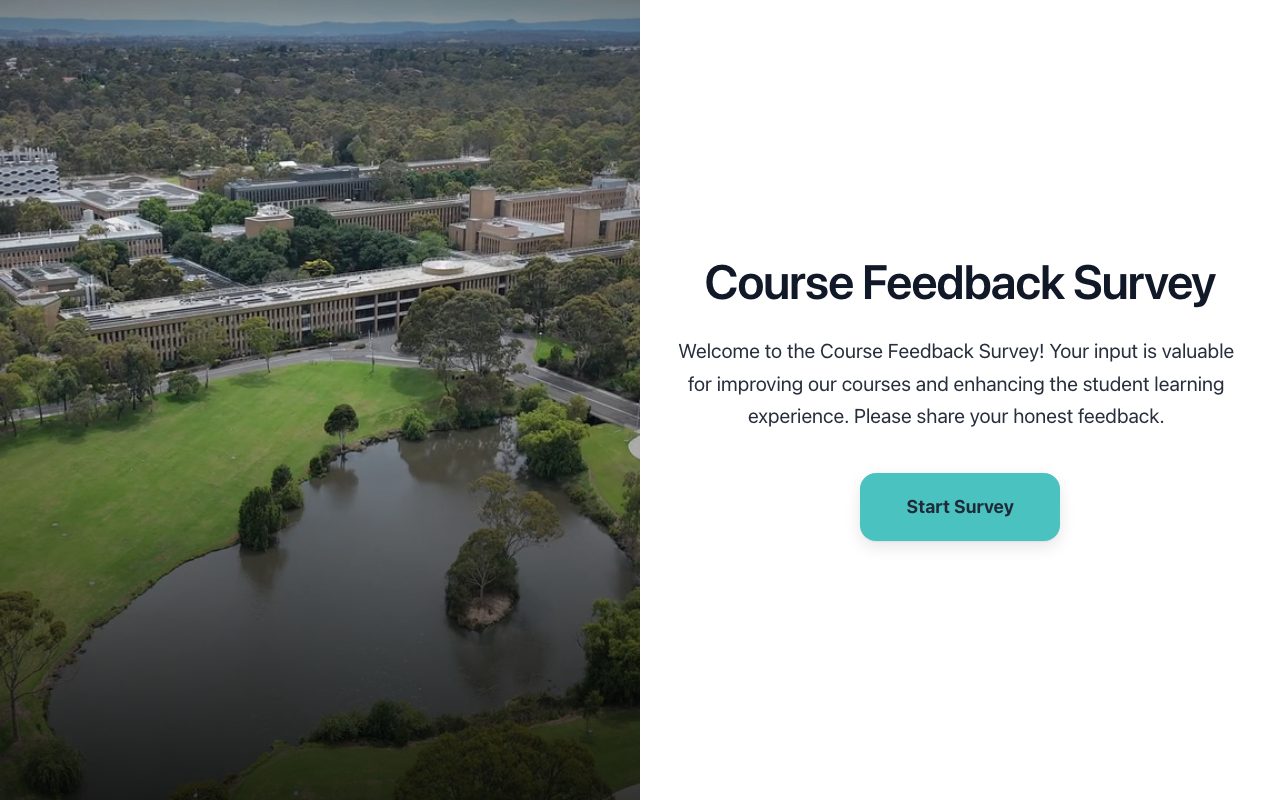
University Course Feedback Survey
Collects detailed student feedback on a specific university course to improve teaching and curriculum.

Post-Workshop Skill Application & Impact Assessment
Assess how participants apply newly acquired skills in their roles weeks after a professional development workshop, identifying real-world impact and areas for further support.
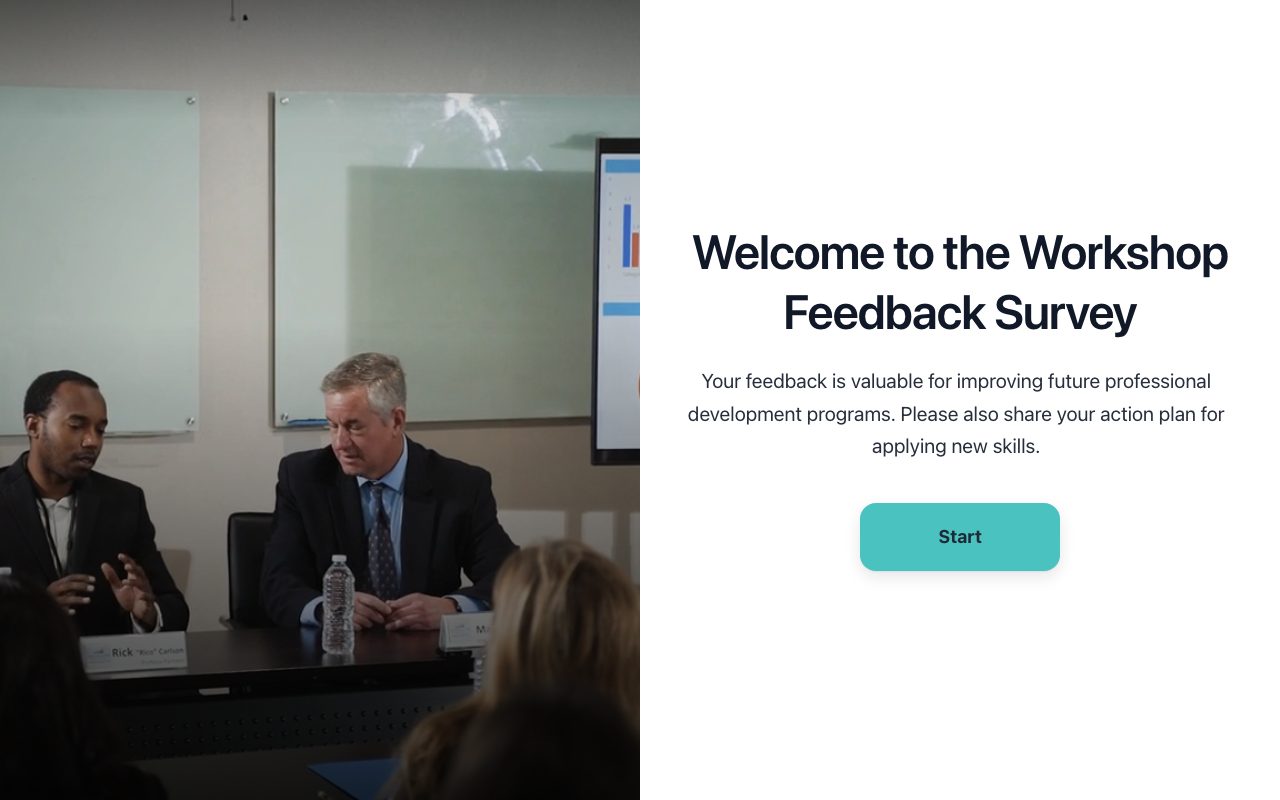
Post-Workshop Feedback and Action Planning
Collects feedback on a workshop and helps participants plan actionable steps for applying learned skills.