

Internal Mobility Program Feedback
Gathers crucial feedback from employees who've applied for internal positions, identifying friction points and improving the company's internal talent pipeline.
What Can You Do with Internal Mobility Program Feedback?
Take your form experience to the next level with these powerful features included with this template.
Drag & Drop Builder
Build stunning forms with our intuitive no-code editor.
Full Customization
Match every form to your brand with custom colors, logos, and themes.
Video Recording
Capture authentic video feedback for richer, more personal insights.
Voice Recording
Collect voice responses that keep the speaker’s tone and nuance.
Conditional Logic
Smart routing creates personalized journeys for each respondent.
AI Video Insights
AI automatically analyzes responses to surface patterns and trends.
What's Inside
Explore all the questions and features included in this template.
What is your Employee ID?
Which internal role did you apply for?
How would you rate the clarity of the application process?
How would you rate the quality and timeliness of feedback received during your application?
Could you elaborate on the quality of feedback you received, or the lack thereof?
In a 60-90 second video, describe your overall experience with the internal mobility program.
What impact did this experience have on your career development plans at [Company Name]?
If you received feedback, please record a 45-60 second video explaining how helpful or unhelpful it was.
What could HR do to better support internal candidates?
Record a brief video (30-60 seconds) with any final suggestions for improving our internal mobility program.
Collect → Analyze → Act
Turn this template into a powerful feedback engine in 3 simple steps.
Customize & Share
Brand it with your colors and logo. Share via link, embed, or QR code.
Collect Responses
Receive video, voice, and text responses with automatic transcription.
AI Analyzes & Routes
AI summarizes insights. Webhook & Zapier routes data to your CRM.
Integrations
About the Internal Mobility Program Feedback Template
Hiring teams use this template to replace scheduling and phone screens with async video interviews. Candidates record answers on camera at their own pace. No download, no account required. You review responses when it fits your schedule, not theirs.
- Video & voice responses: respondents record on any device, no app required.
- Conditional logic: questions adapt based on previous answers.
- 10 pre-built questions, ready to customize in minutes.
- AI transcription, sentiment analysis, and theme clustering, all automatic.
- Integrates with Zapier, Make.com, Webhooks, and 500+ tools.
RecRam's AI automatically transcribes every video response, scores candidate communication, and surfaces the top answers. You can evaluate 50 candidates in the time it takes to schedule 5 phone screens.
Frequently Asked Questions
Common questions and answers about the Internal Mobility Program Feedback template.
How do I use the Internal Mobility Program Feedback template?
Can candidates record video answers on their phone?
How does AI scoring help during recruitment?
Can respondents fill this form on mobile?
How does the AI analysis feature work?
Related Templates
Check out other templates in this category that might interest you.
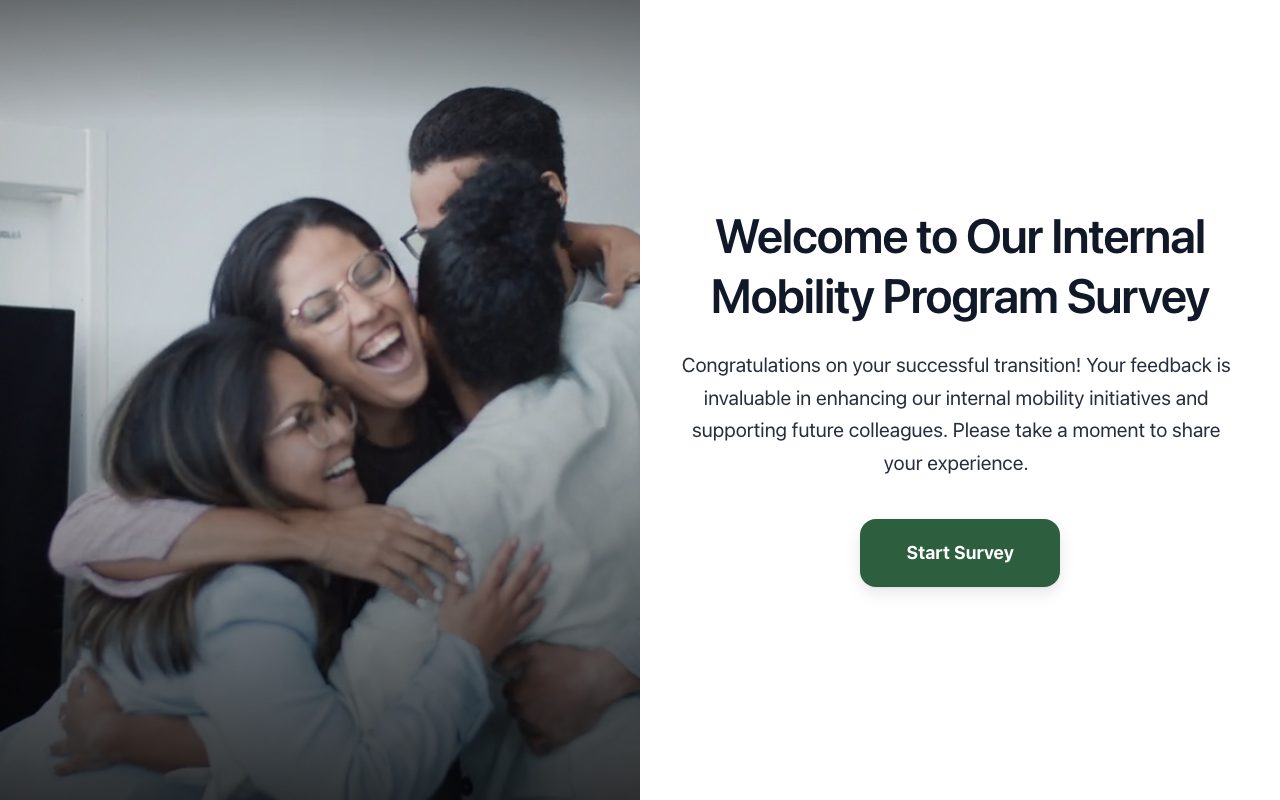
Internal Mobility Program Impact Survey
Assesses the effectiveness of internal career transition programs by gathering insights from employees who have successfully moved into new roles.
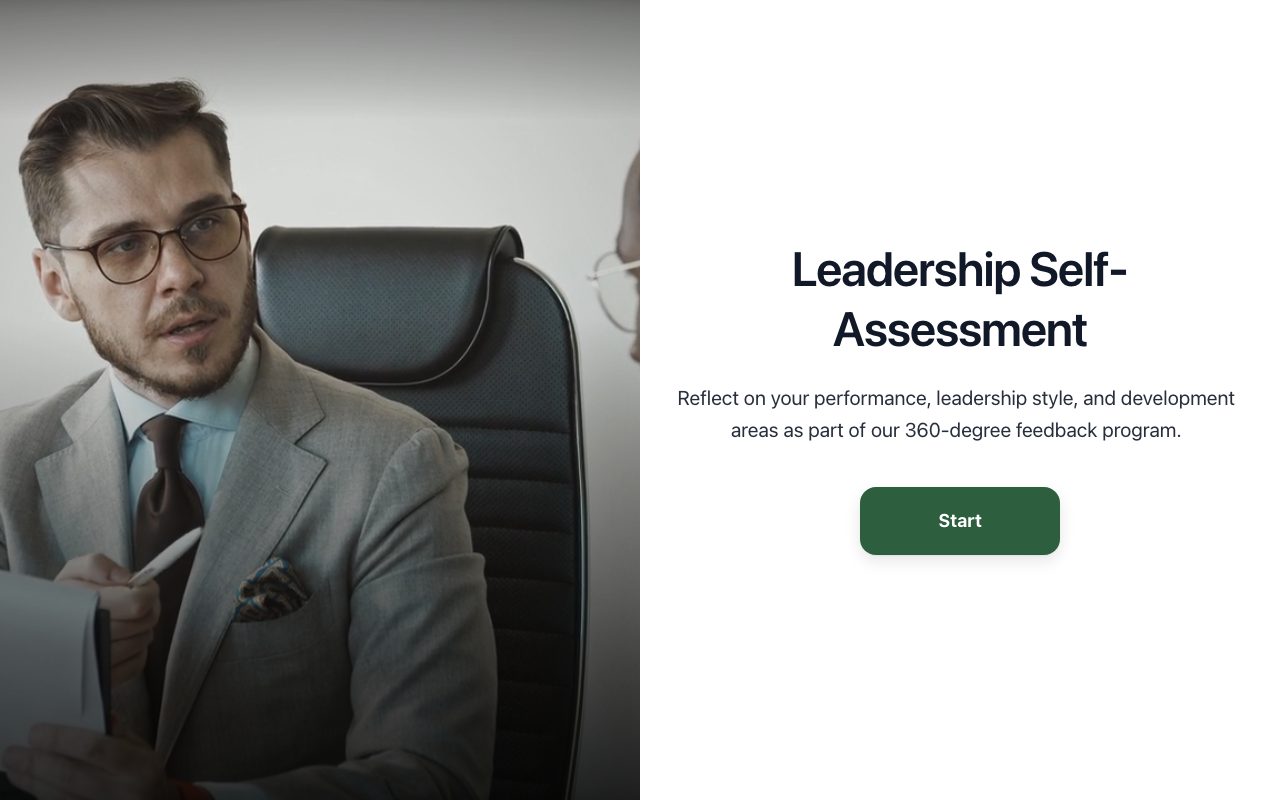
Leadership 360-Degree Self-Assessment
Facilitates self-reflection for leaders on their performance, strengths, and development areas, complementing peer and direct report feedback.
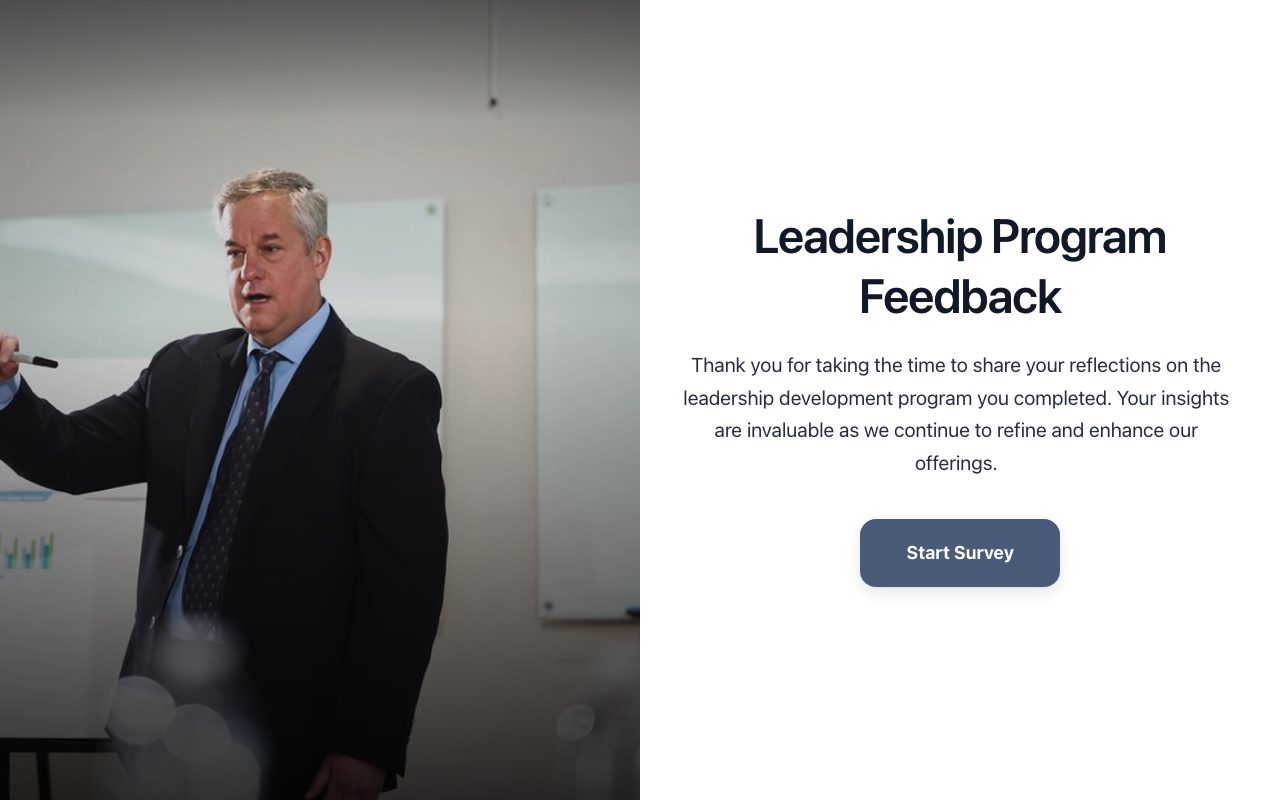
Leadership Development Program Reflection
Captures participants' post-program reflections, assessing learning application, impact on leadership style, and overall program effectiveness.