






Which cabin were you in?
EconomyPremium economyBusinessHow was your flight?
Gather detailed passenger feedback to understand flight experiences and improve airline services.
Use this templateHear the reason behind the score: people answer out loud and AI reads every answer.
 New video answer · 0:08Hannah WeberneutralAI summaryCustomer cancelled due to lack of Salesforce synchronization but is open to returning if it is added.
Trusted by forward-thinking teams









Video Forms
Collecting recorded answers is not documented in SurveyMonkey's help center. RecRam respondents answer by video, voice, screen or text in the browser.
How Video Forms workAI Analysis
SurveyMonkey's sentiment analysis starts on Advantage plans and reads open-text answers. RecRam transcribes every video and voice answer and adds a summary and sentiment label on Starter.
How AI Analysis works
Anything else we should know?
“A smaller plan for two people. We loved it, we just didn't need ten seats.”
AI summary
Customer left because the minimum seat requirement was too high for their small team.
Room, Video Magnet and Showcase
Reply 1:1 in Room, put the form on your site with Video Magnet and publish the best answers on a Showcase wall.
See every productEach one is a real form with a host on video. Answer it live, then start your account from a copy.
Which cabin were you in?
EconomyPremium economyBusinessGather detailed passenger feedback to understand flight experiences and improve airline services.
Use this template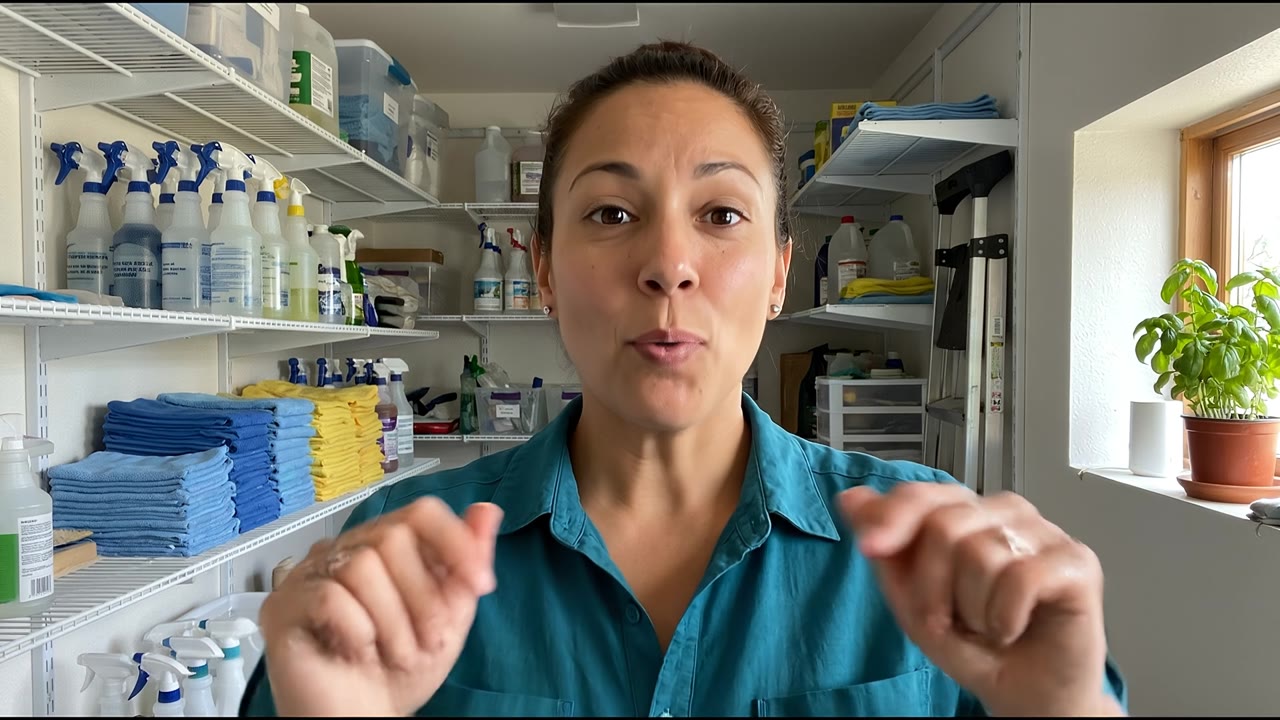
What kind of cleaning do you need?
Regular cleaningOne-time deep cleanMove in or move outAfter a renovationCollect all necessary information to schedule a new client's initial home cleaning service efficiently.
Use this template
Which plan are you on?
Free planMonthly planAnnual planGather customer insights to refine pricing and understand upgrade barriers for your product.
Use this template| Feature |  RecRam RecRam |  SurveyMonkey SurveyMonkey |
|---|---|---|
| Video answers from respondents | Not listed | |
| Voice answers | Not listed | |
| Automatic transcript of every recording | Not listed | |
| Sentiment analysis from the entry paid plan | Advantage+ | |
| 3 team members | $99/mo | 3-user minimum |
| Conditional logic | ||
| NPS questions | ||
| Statistical significance testing | No |
— means not listed on SurveyMonkey’s own site when we checked.
| Feature | RecRam | SurveyMonkey |
|---|---|---|
| Built-in respondent panel | No | |
| Free plan | 28-day trial | |
| Screen-recording answers | Not listed | |
| AI rules that tag, flag or email | Not listed | |
| Async 1:1 video follow-up | Not listed | |
| Your own branding | Every plan | Premier plans |
| Website popup or embed | ||
| Zapier |
RecRam: Video, voice, screen or text, chosen per question. Each recorder question accepts video, voice, screen or text. Next to it you get multiple choice, NPS, rating, dropdown, date, file upload, contact info and more. Recordings can run up to 10 minutes, and respondents can re-record before submitting.
SurveyMonkey: Multiple choice, ratings, open text and more. Creators can embed YouTube or Vimeo video and SoundCloud audio in questions. Its help center doesn't cover respondents recording their answers.
RecRam: AI that listens to the answer as well as reading it. Every recording gets a transcript, a summary, keywords and a sentiment label automatically. Opt-in AI Analysis scores and categorises each answer, text included. Rules can tag, flag or email you when sentiment turns negative or a score drops.
SurveyMonkey: Sentiment (positive, neutral, negative), thematic analysis and Analyze with AI on Advantage, Premier, Team and Enterprise plans, applied to open-text answers.
RecRam: Flat plans, monthly billing, seats added one at a time. There's no free plan. You get a 28-day trial with no card, then Starter at $29/mo ($26 billed yearly) or Professional at $99/mo ($79 billed yearly) with 3 members. Extra members and capacity are sold à la carte.
SurveyMonkey: A free Basic plan (10 questions per survey, a limited number of viewable responses). Individual plans cover 1 user. Team plans are priced per user, billed annually, minimum 3 users. Responses over the limit are charged per response.
RecRam: A corner video that opens your form, with triggers. Video Magnet puts a form on any site as a corner video that opens as a side panel, popup or full page. It triggers on time on page, scroll or exit intent, and you can target by page and device. It's included on every plan.
SurveyMonkey: SurveyMonkey Website Collectors handle simple website surveys, such as an embedded survey or a basic popup. Behaviour-triggered website feedback is sold separately as GetFeedback.
RecRam: Native CX tools, plus Zapier, n8n, webhooks and an API. Native HubSpot, Zendesk, Slack and Google Sheets, plus Zapier, n8n, Make via webhooks, signed webhooks and a REST API on every plan.
SurveyMonkey: 200+ integrations from Standard. Featured apps include Salesforce, Tableau and Power BI, and SSO is on Enterprise.
RecRam: Reply by video when an answer needs a conversation. Room is async 1:1 video messaging. Send a link, they record, you reply in the same thread. Recipients don't need an account, and their replies don't count against your limits.
SurveyMonkey: One-to-one follow-up with a respondent isn't listed on its pricing pages.
RecRam: RecRam isn't a statistics package. RecRam gives you AI output for each response, tags and CSV export. It doesn't do significance testing or crosstabs. If your decision depends on statistically valid samples, SurveyMonkey is the stronger tool.
SurveyMonkey: Statistical significance on Team Advantage, plus advanced logic, block randomization and A/B testing on higher plans. Built for quantitative studies.
RecRam: Bring your own respondents. RecRam collects from people you already reach, such as customers, users, applicants or students, through a shared link or a website embed. It doesn't sell panel respondents.
SurveyMonkey: SurveyMonkey Audience reaches 335M+ people in 130+ countries, from $1 per response, for when you have no audience of your own.
SurveyMonkey plans and features last verified on October 9, 2026 against surveymonkey.com/pricing, surveymonkey.com/pricing/individual, surveymonkey.com/product/features/ai and the SurveyMonkey Help Center. Its pricing page displays local currency, so dollar prices aren't quoted here. "Not listed" means the feature does not appear on SurveyMonkey's pricing pages or in the help articles we checked. Competitor plans change often, so check the current page before you buy.
RecRam Starter next to SurveyMonkey’s comparable plan, as each site listed it.
RecRam Starter$29/mo
$26/mo billed yearly
28-day free trial, no credit card
SurveyMonkey Team plansPer user
Billed annually, minimum 3 users
As listed on SurveyMonkey’s pricing page, October 2026.
From HR, product and marketing teams who collect their answers on video.
Read all reviews on G2“RecRam has solved my 'How do I leave a video testimonial?' problem. Rather than giving clients a confusing process, I now share a RecRam link... Easy as 1-2-3!”
Pick the one where the open-text answer matters most, such as an NPS follow-up or a churn reason.
Recreate the rating questions, add a recorder question for video, voice or text, and use logic to ask detractors different follow-ups.
Swap the survey link or embed it, then send answers to Zendesk, HubSpot, Slack or Google Sheets. Keep SurveyMonkey for significance testing.
For open-ended feedback, yes. For quantitative research, no. RecRam is built for answers people explain in their own words, by video, voice or text, with AI on every recording. If you rely on significance testing, crosstabs or a bought respondent panel, SurveyMonkey does those things and RecRam doesn't.
Not according to its help center, which covers creators embedding YouTube or Vimeo video and SoundCloud audio into questions, not respondents recording answers. In RecRam, any recorder question accepts video, voice, screen or text, up to 10 minutes, recorded in the browser with no app or account. SurveyMonkey help pages checked October 9, 2026.
It depends on team size. SurveyMonkey has a free Basic plan, individual paid plans for 1 user, and Team plans priced per user with a 3-user minimum, billed annually. RecRam has no free plan. Starter is $29/mo ($26 billed yearly) and Professional is $99/mo ($79 billed yearly) with 3 members included, billed monthly if you like. Both start with a 28-day free trial.
No. RecRam offers a 28-day free trial with every feature and no credit card. After that, Starter is $29/mo and Professional is $99/mo, and RecRam branding is removed on both.
SurveyMonkey labels the sentiment of open-text answers and offers thematic analysis and Analyze with AI on Advantage plans and up. RecRam transcribes every video and voice answer in 110+ languages and adds a summary, keywords and a sentiment label automatically. Its opt-in AI Analysis scores and categorises each answer, text included, and its rules can flag or email you when sentiment turns negative.
Yes. Put the NPS or rating question first and a recorder question after it. Conditional logic can ask detractors what went wrong and promoters what they value, and each recorded answer arrives with a transcript, summary and sentiment label.
On every plan, RecRam connects natively to HubSpot (contact updates and a timeline note with answers and transcripts), Zendesk (a ticket per response with the AI summary as a private note), Slack and Google Sheets. It also supports Zapier, n8n, Make via webhooks, signed webhooks and a REST API.
No. Respondents open the link and record in their browser on phone or desktop. They can play back an answer and record it again before submitting, and the form interface is available in 9 languages.
Start collecting real feedback in video. See what your customers actually think and feel.