

Pre-Purchase Journey Pain Point Discovery (High-Value Software)
Uncover critical pain points and decision factors in the pre-purchase journey for high-value enterprise software to optimize sales and marketing strategies.
What Can You Do with Pre-Purchase Journey Pain Point Discovery (High-Value Software)?
Take your form experience to the next level with these powerful features included with this template.
Drag & Drop Builder
Build stunning forms with our intuitive no-code editor.
Full Customization
Match every form to your brand with custom colors, logos, and themes.
Video Recording
Capture authentic video feedback for richer, more personal insights.
Voice Recording
Collect voice responses that keep the speaker’s tone and nuance.
AI Video Insights
AI automatically analyzes responses to surface patterns and trends.
Multi-language
Reach global audiences with automatic translation to 100 languages.
What's Inside
Explore all the questions and features included in this template.
Your Contact Information
What is your company's name?
What is your role or title at your company?
What was the primary business problem or goal that led you to consider a new CRM solution?
Which stage of the buying process for a CRM solution caused the most friction or confusion for you?
Please describe a specific moment during your research phase where you felt overwhelmed or frustrated with the information available or the process.
On a scale of 1 to 5, how clear was our CRM product's value proposition compared to competitors during your evaluation phase? (1 = Very Unclear, 5 = Very Clear)
What specific criteria were most important to you when evaluating CRM solutions?
Please elaborate on a significant 'aha!' moment or a 'deal-breaker' you encountered while evaluating CRM solutions (either ours or a competitor's).
What content format was most helpful during your research and evaluation process?
If you could send a message to our sales or marketing team, what information, resources, or support would have made your pre-purchase journey for a CRM solution easier or better?
Collect → Analyze → Act
Turn this template into a powerful feedback engine in 3 simple steps.
Customize & Share
Brand it with your colors and logo. Share via link, embed, or QR code.
Collect Responses
Receive video, voice, and text responses with automatic transcription.
AI Analyzes & Routes
AI summarizes insights. Webhook & Zapier routes data to your CRM.
Integrations
About the Pre-Purchase Journey Pain Point Discovery (High-Value Software) Template
This template gives you a head start with pre-built questions designed for your use case. Customize the copy, add your logo, and publish. Ready in under 2 minutes.
- Video & voice responses: respondents record on any device, no app required.
- 11 pre-built questions, ready to customize in minutes.
- AI transcription, summaries and keywords on every video and voice answer.
- Integrates with Zapier, Make.com, Webhooks, and 500+ tools.
Every RecRam template supports video and voice responses, conditional logic, AI transcripts and summaries, and integration with 500+ tools via Zapier, Make.com, and Webhook. Try it free for 28 days, no credit card required.
Frequently Asked Questions
Common questions and answers about the Pre-Purchase Journey Pain Point Discovery (High-Value Software) template.
How do I use the Pre-Purchase Journey Pain Point Discovery (High-Value Software) template?
Can respondents fill this form on mobile?
What does RecRam's AI do with responses?
What tools can I export responses to?
Related Templates
Check out other templates in this category that might interest you.
Product-Market Fit: Problem-Solution Fit Survey
Assesses how well a product solves a core problem for early adopters and whether they would be 'very disappointed' without it, a key PMF indicator.
SaaS Feature Prioritization: Enterprise Client Value
Collect detailed insights and video explanations from enterprise clients to prioritize your SaaS product roadmap based on their specific business needs.
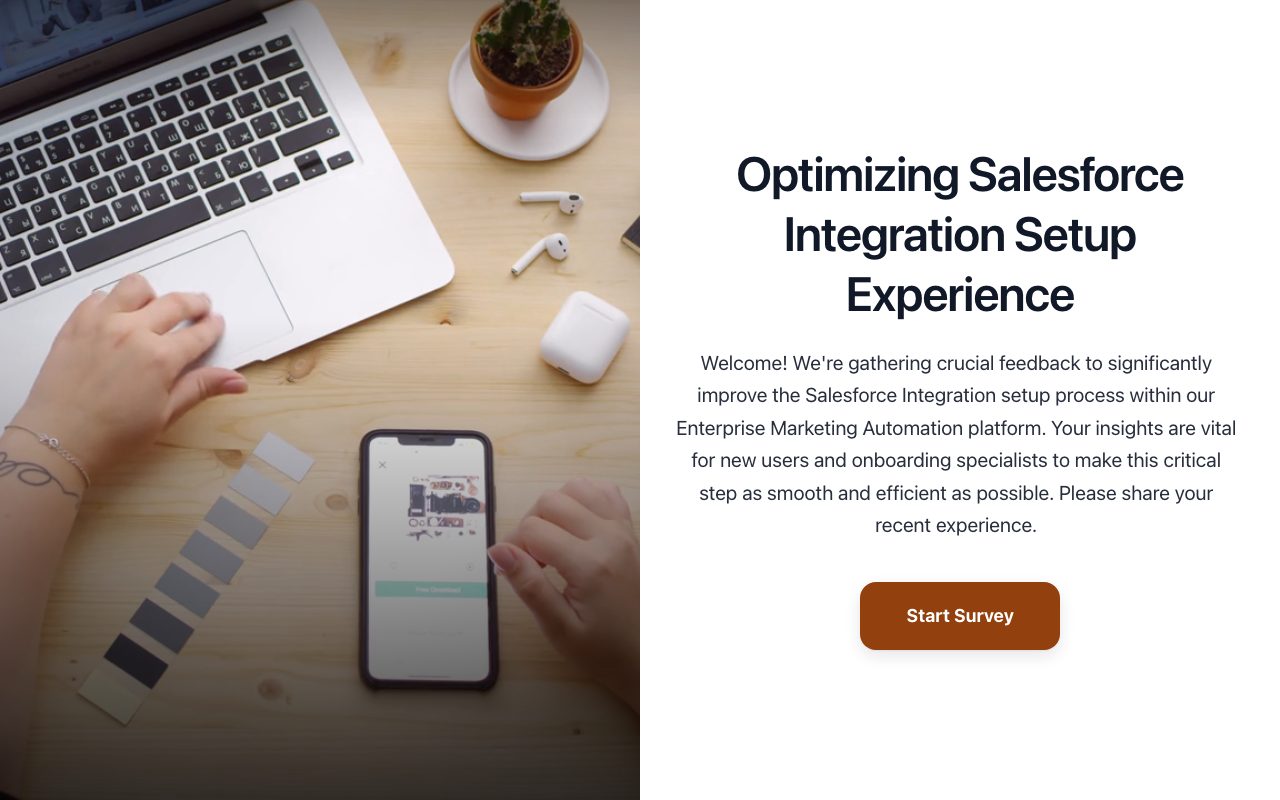
Task Analysis: Complex Enterprise Onboarding Flow (Integration Setup)
Conduct a detailed task analysis on a complex enterprise software onboarding flow (e.g., third-party integration setup) to identify friction points and improve user success.