

Employee Advocacy Program Application
Streamlines the application process for employees interested in becoming brand advocates, capturing their enthusiasm and communication skills via video.
What Can You Do with Employee Advocacy Program Application?
Take your form experience to the next level with these powerful features included with this template.
Drag & Drop Builder
Build stunning forms with our intuitive no-code editor.
Full Customization
Match every form to your brand with custom colors, logos, and themes.
Video Recording
Capture authentic video feedback for richer, more personal insights.
Voice Recording
Collect voice responses that keep the speaker’s tone and nuance.
AI Video Insights
AI automatically analyzes responses to surface patterns and trends.
Multi-language
Reach global audiences with automatic translation to 100 languages.
What's Inside
Explore all the questions and features included in this template.
Your Contact Information
What is your Department / Team?
Why are you passionate about becoming an employee advocate for [Company Name]?
Which social media platforms do you actively use for professional networking?
In a 60-90 second video, describe what you believe is the most unique or compelling aspect of working at [Company Name].
What kind of content (e.g., blog posts, short videos, infographics) do you enjoy creating or sharing?
Record a 45-60 second video pretending to explain our company culture to a potential candidate or client.
How comfortable are you with public speaking or presenting?
In a 30-60 second video, pitch a creative idea for an employee advocacy post or campaign.
Are you willing to dedicate at least 2-3 hours per week to employee advocacy activities?
Collect → Analyze → Act
Turn this template into a powerful feedback engine in 3 simple steps.
Customize & Share
Brand it with your colors and logo. Share via link, embed, or QR code.
Collect Responses
Receive video, voice, and text responses with automatic transcription.
AI Analyzes & Routes
AI summarizes insights. Webhook & Zapier routes data to your CRM.
Integrations
About the Employee Advocacy Program Application Template
Hiring teams use this template to replace scheduling and phone screens with async video interviews. Candidates record answers on camera at their own pace. No download, no account required. You review responses when it fits your schedule, not theirs.
- Video & voice responses: respondents record on any device, no app required.
- 10 pre-built questions, ready to customize in minutes.
- AI transcription, summaries and keywords on every video and voice answer.
- Integrates with Zapier, Make.com, Webhooks, and 500+ tools.
RecRam's AI transcribes and summarizes every video answer, so reviewers can read before they watch and score answers themselves against a shared rubric. The AI never scores, ranks or screens candidates: AI doesn't make decisions about people; your team does.
Frequently Asked Questions
Common questions and answers about the Employee Advocacy Program Application template.
How do I use the Employee Advocacy Program Application template?
Can candidates record video answers on their phone?
Does RecRam score candidates with AI?
Can respondents fill this form on mobile?
What does RecRam's AI do with responses?
Related Templates
Check out other templates in this category that might interest you.
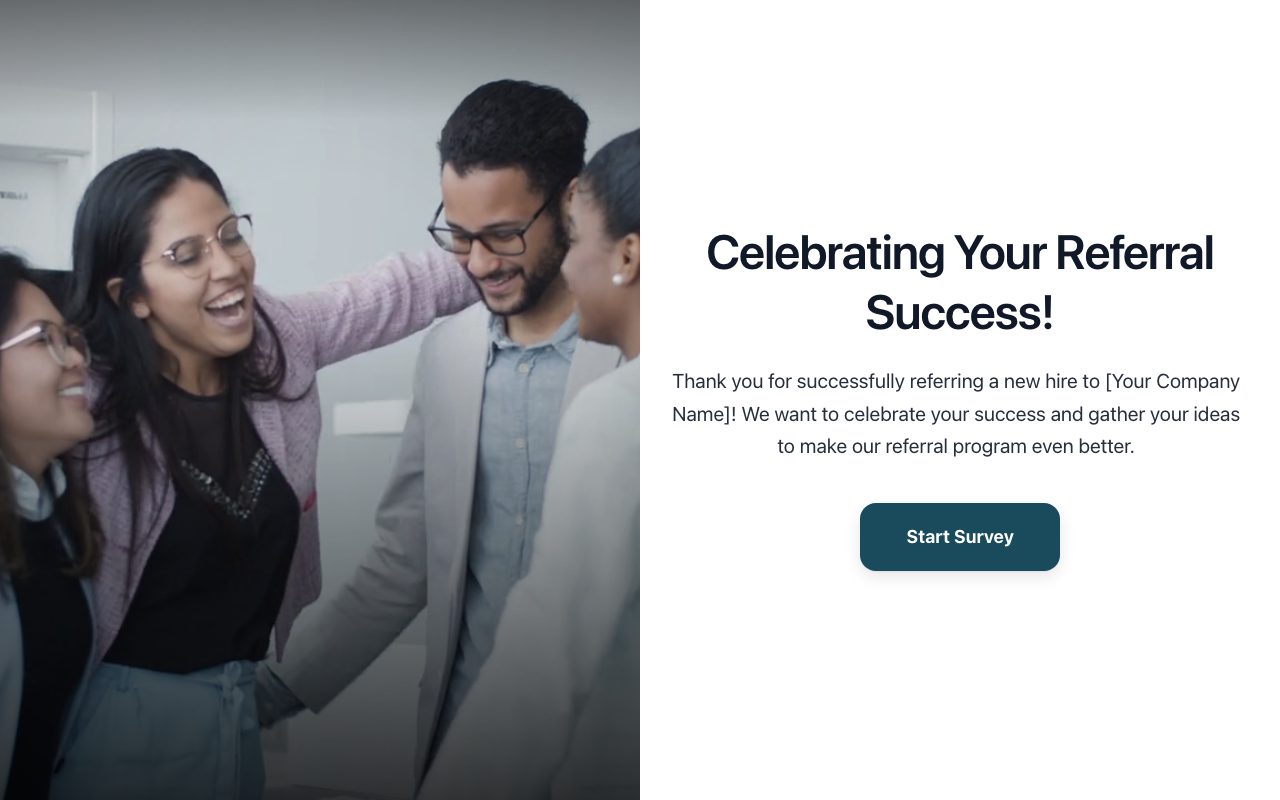
Employee Referral Program Success Story & Ideas
Captures success stories from employees who have made successful referrals and gathers their suggestions for improving the referral program.
Global Remote Onboarding Experience Survey
Evaluates the efficacy of remote onboarding for global hires, identifying unique challenges and successes across different time zones and cultures.
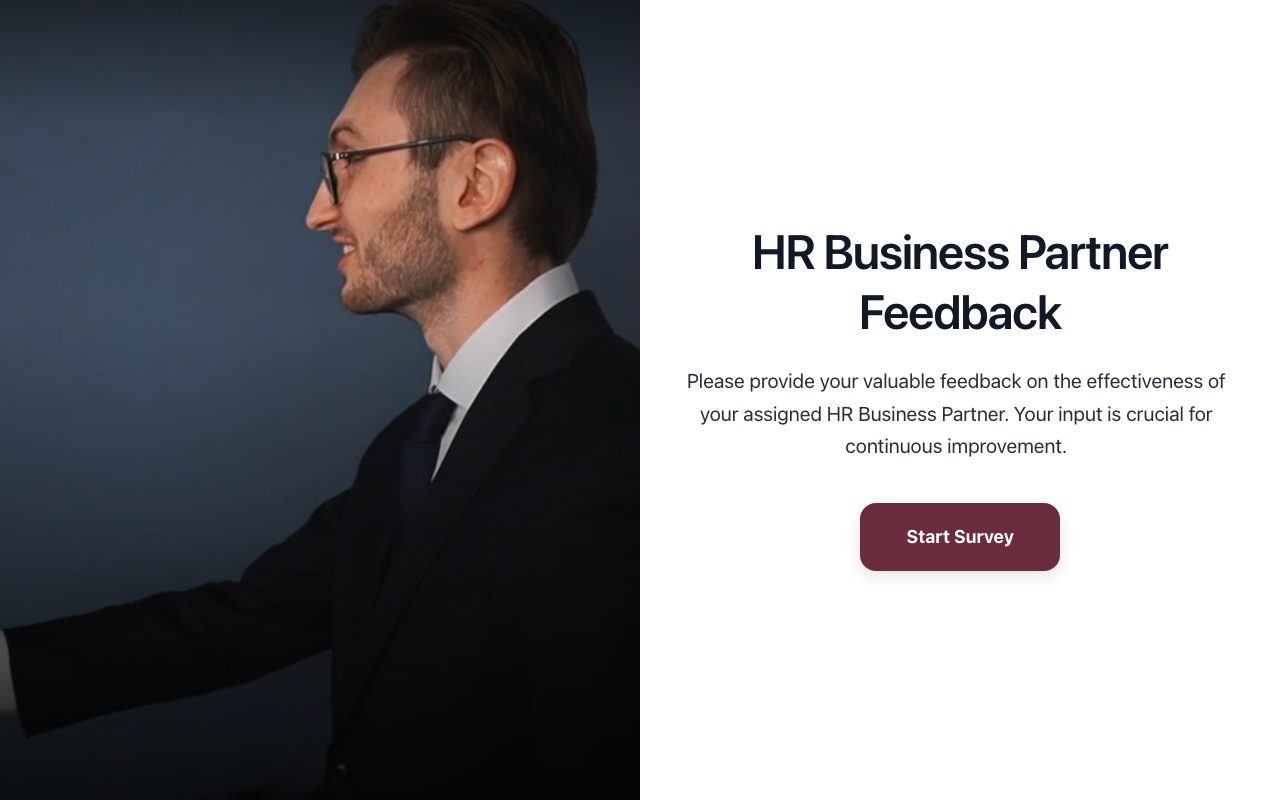
HR Business Partner Effectiveness Review (Manager)
Evaluates the performance and strategic impact of an HR Business Partner from the perspective of the managers they support, fostering better HR-business alignment.