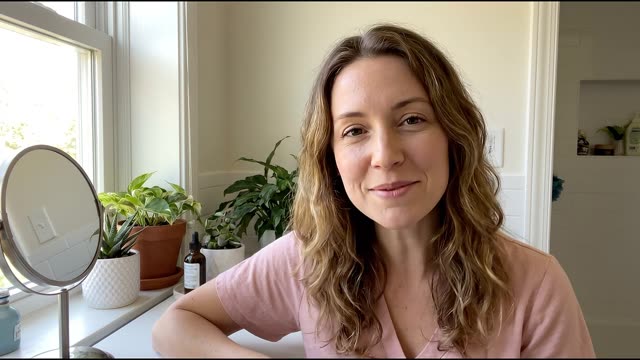
Deal room follow-ups on async video
Keep each deal in one Room: recap videos, screen walkthroughs, files and replies in one thread, with view tracking between calls.
No credit card required. 28-day free trial.
Trusted by forward-thinking teams









What is a video deal room?
A video deal room is one shared link per deal where you and the buyer keep the conversation between calls. In a RecRam Room you send recap videos, screen walkthroughs, files and text; the buyer replies the same way without an account. View tracking shows when they came back, and the Room status keeps every deal open, in progress or closed.
After the demo call, momentum dies. Follow-up emails feel transactional and impersonal.
- Dedicated Room per deal with full conversation history
- Video, voice, screen and text in one thread
- View tracking: views, first and last visit, time to reply
- View tracking shows when they watched
How it works, step by step
Create a dedicated Room for each deal. Send personalized video updates, answer objections async, and keep the relationship warm without scheduling calls.
No credit card required. 28-day free trial.
Create
Step 1: Open a Deal Room after the demo
Right after your demo call, create a Room for this specific deal. Record a 2-minute recap video while the conversation is still fresh.
- "Hey Sarah, great call today. Here's a recap: you mentioned needing X for your team of 20. Here's how we handle that..." (specific, not generic)
- Share your screen to walk through the exact features they asked about, like a mini on-demand demo
Nurture
Step 2: Async video touchpoints
Instead of "just checking in" emails that prospects ignore, send quick video updates addressing their specific situation. They reply when convenient, with no scheduling overhead.
- Answering an objection? Record your screen showing the solution: "You asked if we integrate with Salesforce. Here, let me show you live"
- They can reply with video, voice, text, or share their own screen to show you their current workflow
Track
Step 3: Know where each deal stands
View tracking and the Room status show whether the buyer is engaged: when they came back, which messages they viewed and how quickly they replied.
- A buyer who opens the Room again the night before their decision meeting is telling you something: follow up the next morning
- Per-message views show which recap or walkthrough they actually watched, so your next message builds on it
What to ask
These are the real questions of "After-demo follow-up", a ready-made video template written for this job. Elena asks each one on video, and the form branches on the answers shown. Try it live, then start from a copy and change anything.
In the template: After-demo follow-up

1 · Rating
How well did the demo match your needs?
“First, how well did the demo match what your team needs?”
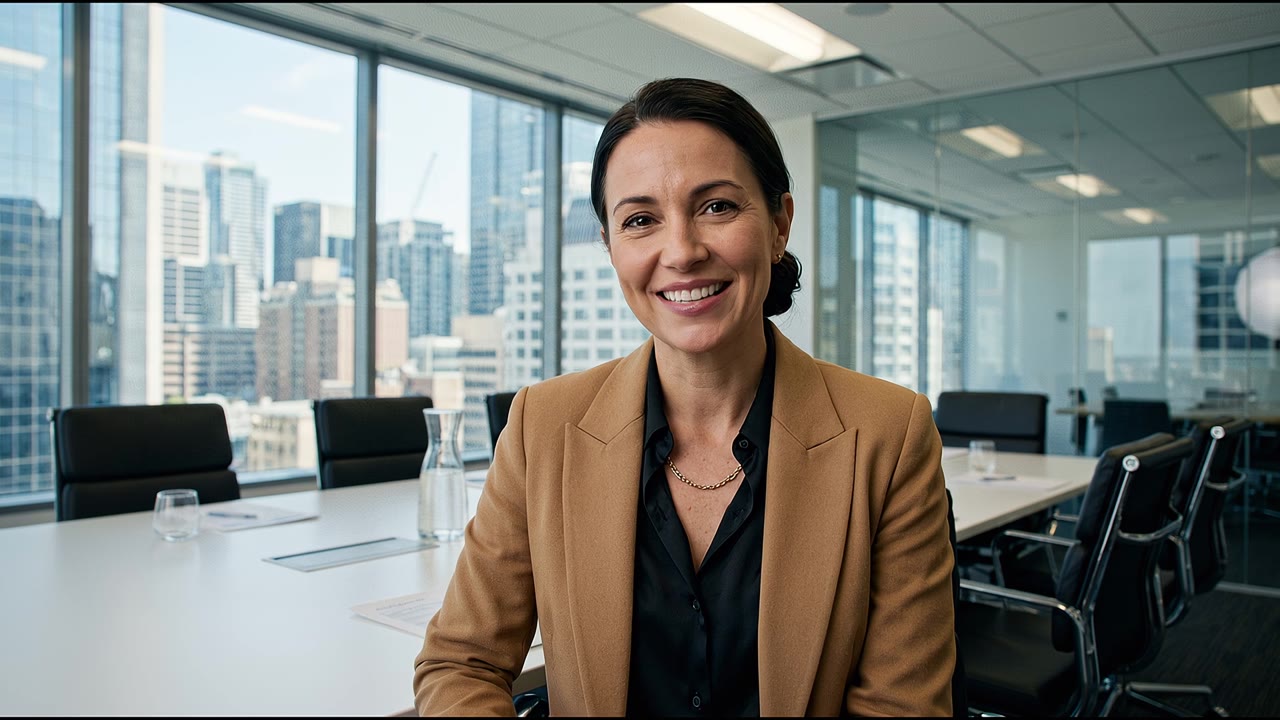
2 · Multiple choice
Where does your team stand right now?
“Honestly, where does your team stand after seeing it?”
Ready for a proposal · Need to involve others · Comparing other options · Not a fit right now
- If “Ready for a proposal” When do you plan to make a decision?
- If “Need to involve others” Who else should be part of this decision?
- Any other answer What questions or concerns are still open?
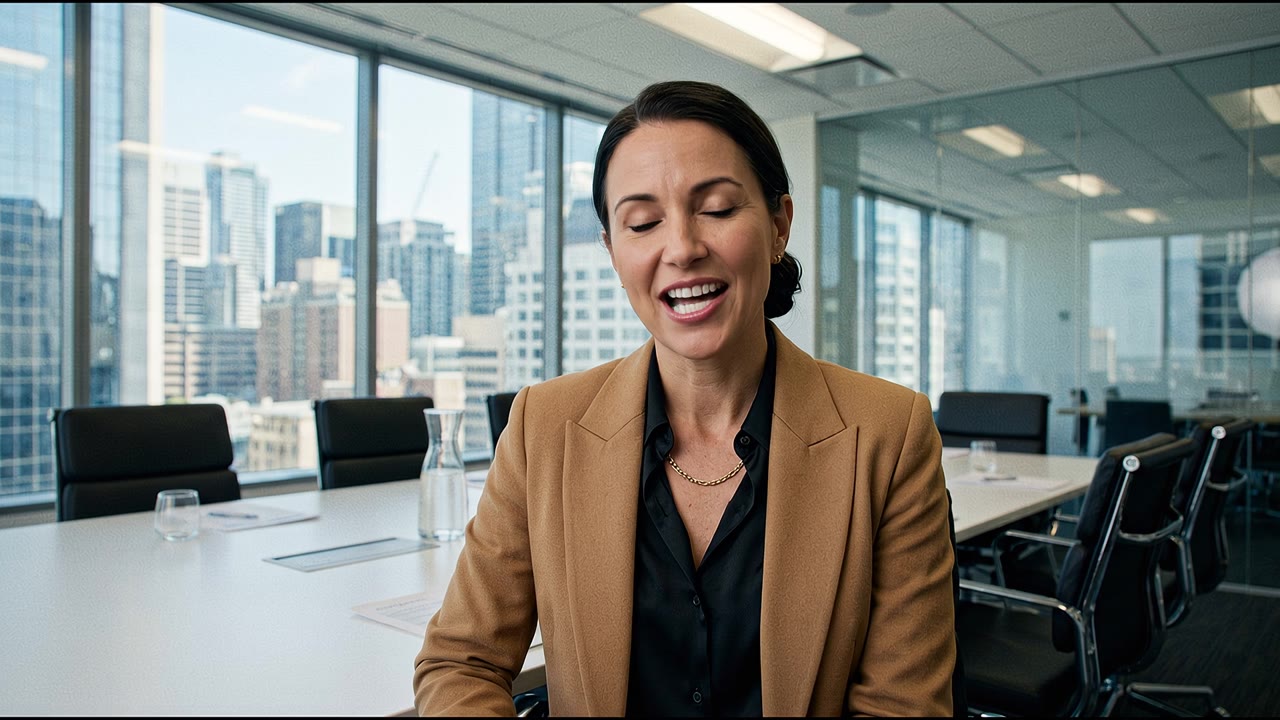
3 · Date
When do you plan to make a decision?
“When are you hoping to make a decision?”

4 · Long text
Who else should be part of this decision?
“Makes sense. Who else should be part of this decision?”

5 · Video, voice or text answer
What questions or concerns are still open?
“What questions or concerns are still open for you? Be as blunt as you like.”
Hosted by Elena · B2B deal room
After-demo follow-up
Answer it the way your respondents will, on your phone or computer. Nothing you record is saved.
What you get back
Every video and voice answer arrives transcribed, with a one-line summary, 3 to 5 keywords and a sentiment label. The template above is new and has no answers yet, so this is a sample response from a different demo form, "Book a product demo", as your team sees it.
Transcript · What problem are you trying to solve?
“Um, I'm a freelance consultant and I waste a lot of time typing up follow-up emails after client discovery calls. I need something automated.”
Sarah Jenkins · voice answer
- AI summary
- Freelance consultant seeking automation for post-discovery call follow-up emails.
- Sentiment
- Negative
- Keywords
- freelance, automation, follow-ups
- Also answered
- How big is your team? Just me
- Want to start with a free trial instead? I'd still like a demo
- When are you looking to get started? This month
- Team comments
 Daniel Kim She might be better suited for the self-serve tier long term, but let's demo the Gmail plugin.
Follow-up in Room
- Daniel KimHi Sarah! I've attached a quick video showing how the Gmail plugin works.
- SarahLooks amazing, can't wait to see more.
- SarahWait, does it also sync with Calendly automatically?
Room messages are a conversation, not analysed by AI.
Sample from the "Book a product demo" demo form, not from this page's template. The respondent and team are fictional; every new RecRam account starts with these sample answers.
Want every answer checked against your own criteria?
Turn on AI Analysis for the form and each answer is also asked your own question: yes or no, a score, a category from your list, sentiment, keywords or a short text. Rules tag or flag the answers that match and email the people you choose.
The RecRam pieces behind it
Everything here is in the same subscription. Integrations send each response on to the tools your team already uses.
Rated 4.6 out of 5 on G2
From HR, product and marketing teams who collect their answers on video.
Read all reviews on G2“RecRam has solved my 'How do I leave a video testimonial?' problem. Rather than giving clients a confusing process, I now share a RecRam link... Easy as 1-2-3!”
Deal room follow-ups FAQ
Still have questions? Chat with our team
They won't type it.
But they'll show it.
Start collecting real feedback in video. See what your customers actually think and feel.