Video return verification
Customers record the problem with the product before you approve a return. Your team sees the item and reads the transcript in one place.
No credit card required. 28-day free trial.
Trusted by forward-thinking teams









What is video return verification?
Video return verification asks a customer to record a short video of the product and the problem before a return is approved. They open a link on their phone and film it, no app needed. Your team sees the actual item, reads the transcript and summary of what the customer said, and decides without an email thread.
Processing returns blindly costs money. You approve refunds without seeing the actual product condition.
- Video proof of product condition
- AI transcript and summary of every claim
- Zapier auto-triggers on return request
- Zapier paths route claims by order value
How it works, step by step
Ask customers to record a 30-second video showing the product issue. AI transcribes their explanation, so your team sees the evidence and can approve or escalate quickly.
No credit card required. 28-day free trial.
Request
Step 1: Auto-send video return form
When a customer requests a return via your helpdesk, Zapier automatically sends a RecRam video form: "Please record a quick video showing the issue with your product." Simple, clear instructions.
- Trigger on the return request in your helpdesk or store (Zendesk, Gorgias, Shopify) and send the video return form automatically, while the issue is fresh for the customer
- Personalize the form intro: "Hi [Name], we received your return request for [Product Name]. A quick 30-second video showing the issue helps us process your return faster." Specific, helpful, not suspicious-sounding
Verify
Step 2: Customer shows the issue on camera
Customer records their phone/laptop camera showing the damaged or defective product. AI transcribes their verbal explanation. You see the actual condition. No more "trust me it's broken" with no proof.
- Ask customers to show: the product clearly visible, the specific defect or damage, and original packaging if relevant. Include this as a brief checklist in the form intro video so they know what to capture
- The browser-based recorder works on any smartphone camera without app download. Most returns come from mobile users, and RecRam eliminates the friction of downloading an app to submit a claim
Decide
Step 3: Your team decides with full context
AI transcribes and summarizes every claim. Cross-reference with purchase history in Zapier. Clear claim → approve the refund. Unclear → route to your manual review team.
- Cross-reference the claim with order history in your Zapier flow and send customers with repeated returns to manual review
- Your reviewer sees the video, the transcript, and the summary together, so each decision takes a quick look instead of an email thread
What to ask
These are the real questions of "Return verification", a ready-made video template written for this job. Fatima asks each one on video, and the form branches on the answers shown. Try it live, then start from a copy and change anything.
In the template: Return verification
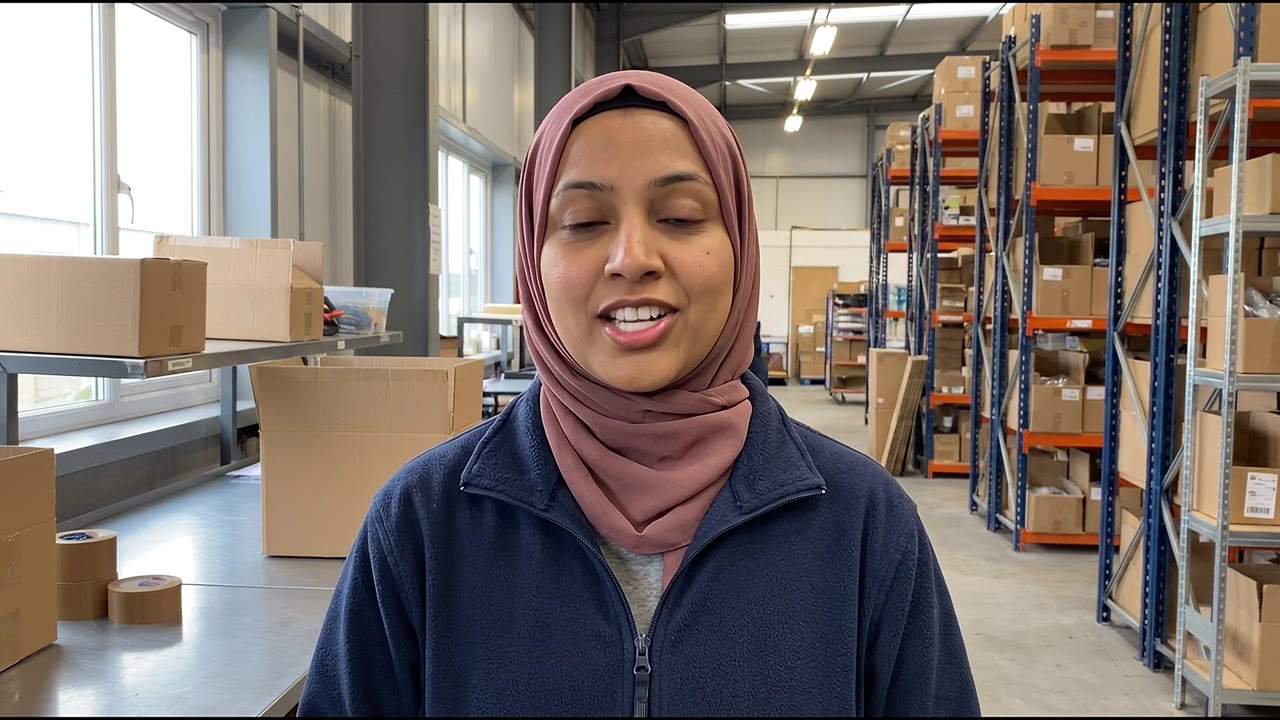
1 · Short text
Your order number
“First, what's your order number? It's in your confirmation email.”
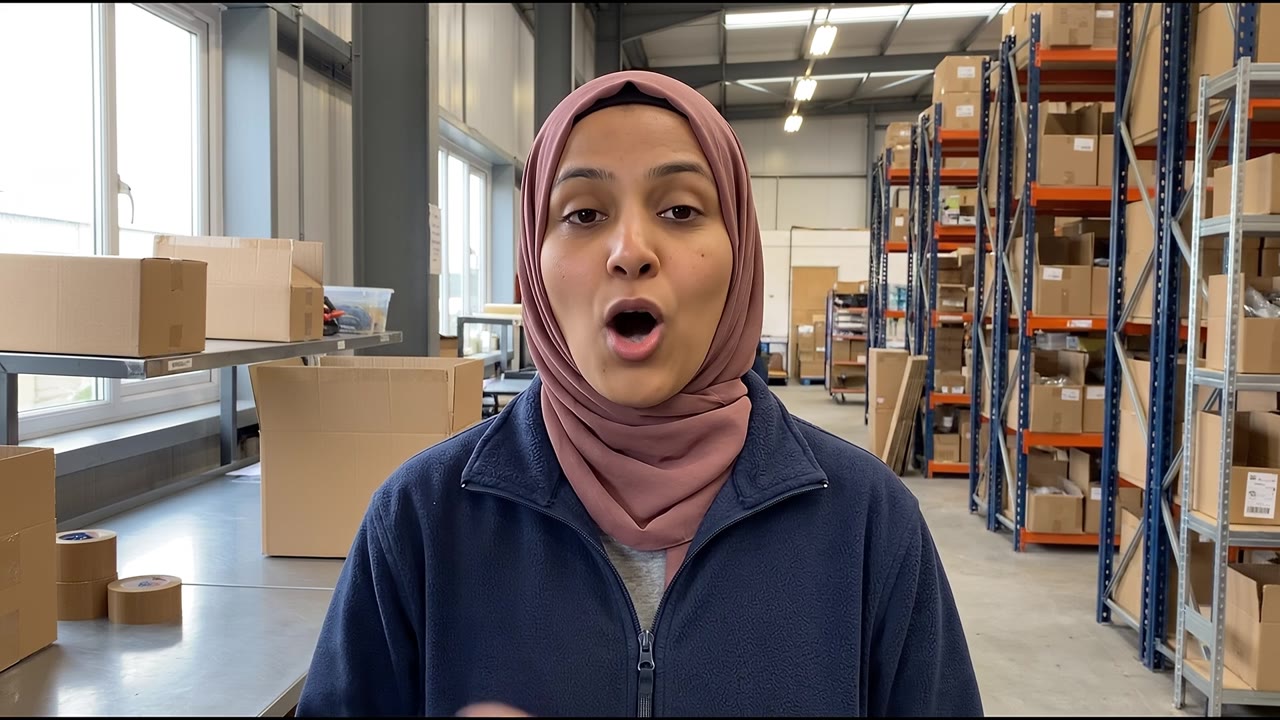
2 · Multiple choice
Why are you returning it?
“What's the reason for the return?”
It arrived damaged · Wrong item sent · Not as described · Changed my mind
- If “It arrived damaged” Show us the damage
- If “Changed my mind” Is the item unused, with tags or seal intact?
- Any other answer Show us the item you received
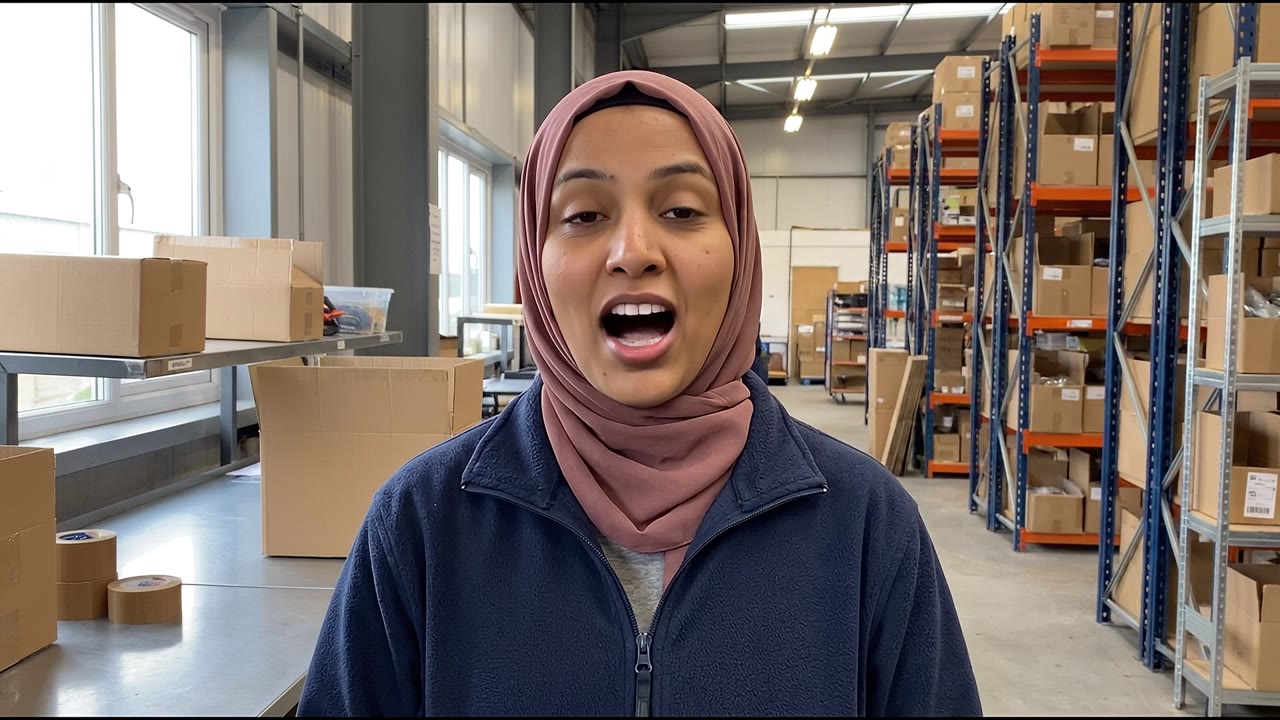
3 · Video answer
Show us the damage
“I'm so sorry. Record a quick video showing the damage up close.”
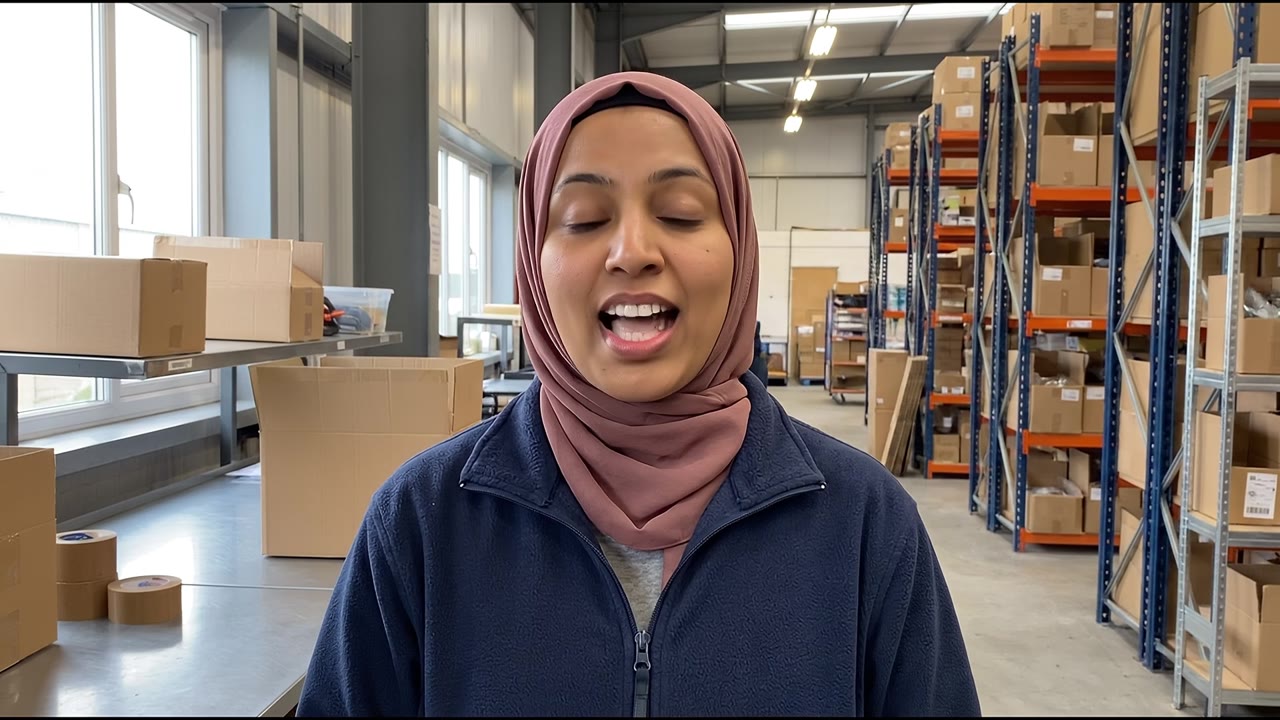
4 · File upload
Upload a photo of the box and shipping label
“Please share a photo of the box with the shipping label showing.”

5 · Long text
Where should the courier collect it?
“Where should our courier pick it up from?”
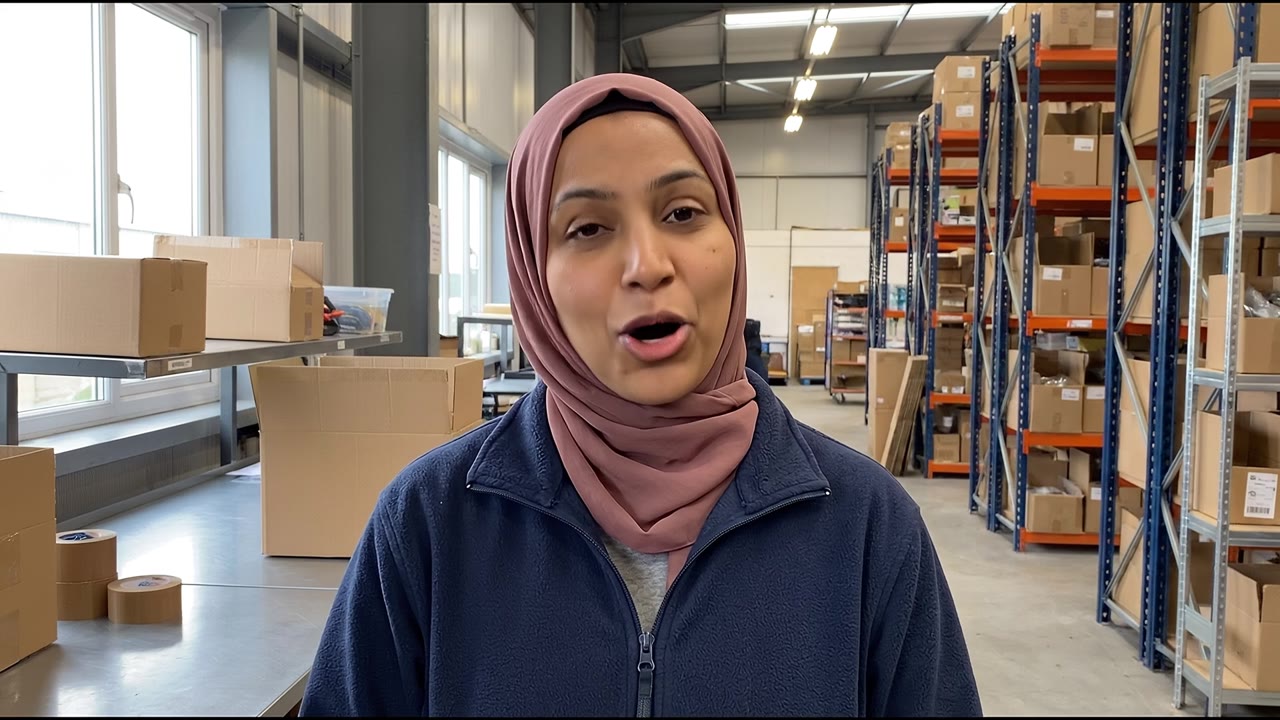
6 · Yes or no
Is the item unused, with tags or seal intact?
“No problem. Is it unused, with the tags or seal still on?”
Yes · No
- If “No” Show us the item you received
- Any other answer Upload a photo of the box and shipping label
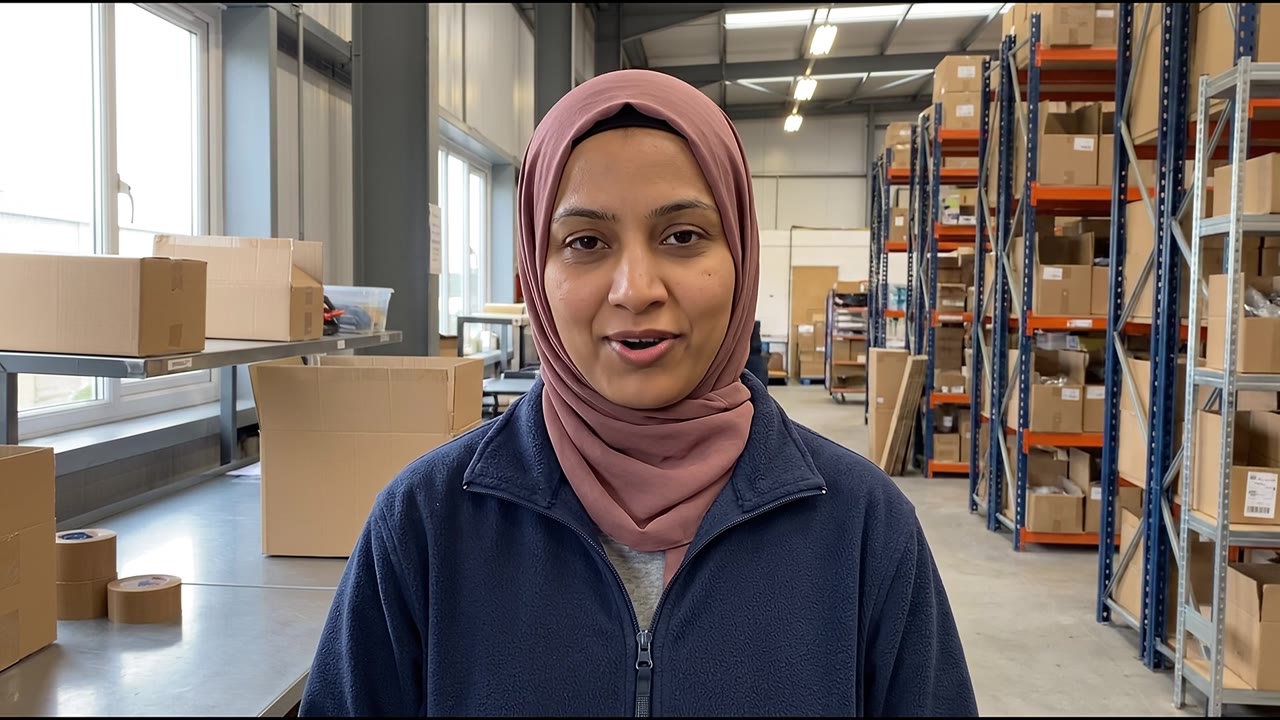
7 · Video answer
Show us the item you received
“Sorry about that. Record a short video of the item you received.”
Hosted by Fatima · E-commerce support
Return verification
Answer it the way your respondents will, on your phone or computer. Nothing you record is saved.
What you get back
Every video and voice answer arrives transcribed, with a one-line summary, 3 to 5 keywords and a sentiment label. The template above is new and has no answers yet, so this is a sample response from a different demo form, "How was your order?", as your team sees it.
Transcript · What went wrong?
“The moisturizer arrived with a cracked lid, and some of it leaked into the box.”
James Wilson · video answer
- AI summary
- Customer received a damaged moisturizer due to a cracked lid.
- Sentiment
- Negative
- Keywords
- damaged, packaging, leak
- Also answered
- How would you rate your experience? 3 of 5
- Did your products arrive in perfect condition? Something was wrong
- Team comments
 Daniel Kim @Priya can we send a replacement ASAP? The warehouse had a bad batch of lids.
Follow-up in Room
- Priya ShahHi James, so sorry about the leak! We are shipping a free replacement today.
- JamesThanks Priya, appreciate the quick fix.
- Priya ShahYou're very welcome! It should arrive by Thursday.
Room messages are a conversation, not analysed by AI.
Sample from the "How was your order?" demo form, not from this page's template. The respondent and team are fictional; every new RecRam account starts with these sample answers.
Want every answer checked against your own criteria?
Turn on AI Analysis for the form and each answer is also asked your own question: yes or no, a score, a category from your list, sentiment, keywords or a short text. Rules tag or flag the answers that match and email the people you choose.
The RecRam pieces behind it
Everything here is in the same subscription. Integrations send each response on to the tools your team already uses.
Products
Integrations
- ZendeskOpen a Zendesk ticket for each form response, with the respondent as requester.
- ZapierUse the RecRam app on Zapier to send responses to thousands of other apps, no code.
- WebhooksPOST each response to your own URL as signed JSON, on submit, or once transcription and AI analysis are done.
More use cases for customer support
- Visual bug reportingThe first report already shows the steps, the page and the error.
- Customer satisfaction (CSAT)Every score arrives with the reason behind it.
- AI video support ticketCustomers show the issue, and agents start with full context.
Rated 4.6 out of 5 on G2
From HR, product and marketing teams who collect their answers on video.
Read all reviews on G2“RecRam has solved my 'How do I leave a video testimonial?' problem. Rather than giving clients a confusing process, I now share a RecRam link... Easy as 1-2-3!”
Product return verification FAQ
Still have questions? Chat with our team
They won't type it.
But they'll show it.
Start collecting real feedback in video. See what your customers actually think and feel.